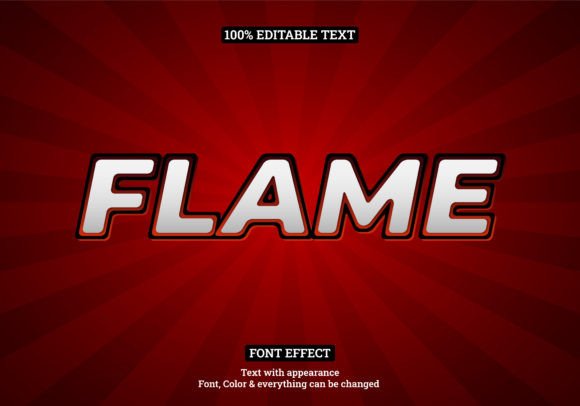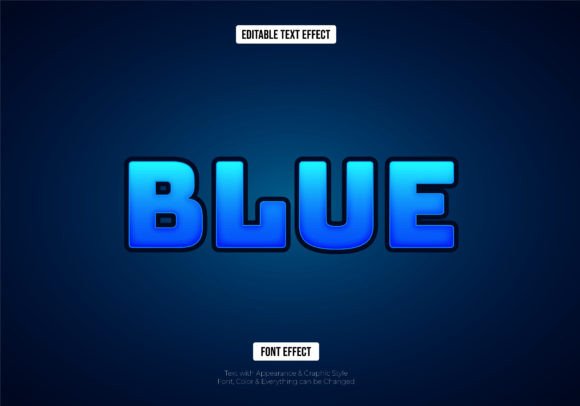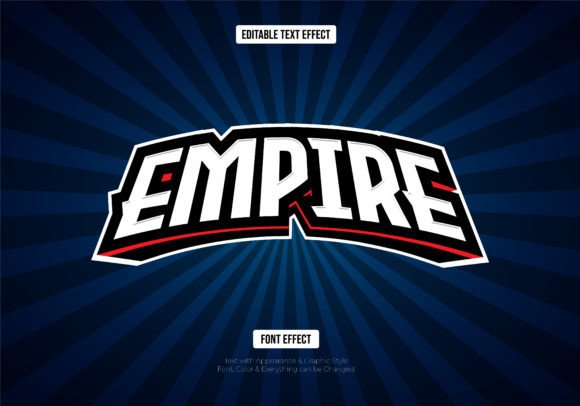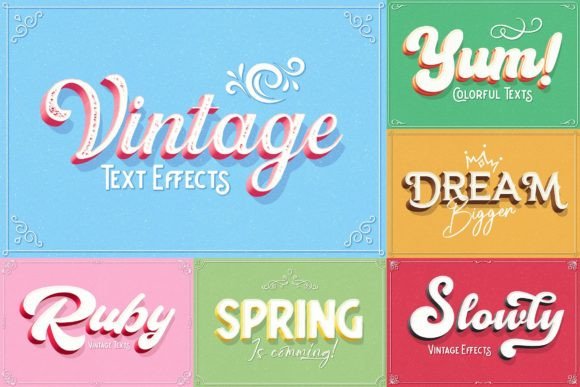
Bring Your Text to Life with This 3D Style Effect
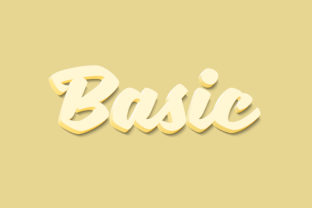
There's a certain power in text that jumps off the screen. It grabs attention, creates a focal point, and injects a sense of depth and dynamism that flat typography often can't achieve. Whether you're designing a logo for a new startup, crafting a bold social media announcement, or creating packaging that needs to stand out on a shelf, the right dimensional effect can transform good design into something truly memorable. This is where a versatile tool like the Basic - 3D Text Style Effect comes into play, offering a straightforward path to adding that professional, eye-catching dimension to your projects.
A Practical Tool for Modern Designers and Creators
Forget spending hours manually crafting shadows, bevels, and highlights to simulate depth. This asset is built for efficiency and real-world application. At its core, it's a meticulously crafted PSD file that leverages the power of Smart Objects. This means the 3D effect is applied non-destructively. The visual style—complete with realistic lighting, shadows, and surface textures—is preserved perfectly, but the underlying text remains fully editable. You get the stunning visual result without sacrificing the flexibility to change your message on the fly.
The setup is designed to save you time. The file is organized with labeled layers, making it simple to navigate even if you're not a Photoshop expert. The process is intuitive: open the file, locate the clearly marked Smart Object layer, and double-click. This opens a separate window where you can type your new text, change the font, adjust the size, or even insert vector shapes. Once you save and close that window, the 3D effect automatically updates across your main design. It’s a seamless workflow that lets you focus on creativity rather than technical setup.
Where This 3D Effect Shines: From Branding to Social Media
The applications for a clean, modern 3D text style are surprisingly broad. It’s not just for flashy logos; it’s a versatile component in a designer's toolkit. Consider how it can elevate various projects:
- Brand Identity & Logo Design: A logo with a subtle 3D treatment can convey innovation, strength, or approachability, depending on the style. It helps a brand feel more established and visually distinctive in a crowded market.
- Packaging Design: On product labels and boxes, dimensional text can highlight the brand name or key features, making the product more appealing and easier to read from a distance.
- Social Media Graphics & Digital Marketing: In a fast-scrolling feed, a 3D headline or call-to-action button can stop the thumb. It’s perfect for Instagram stories, Facebook ads, YouTube thumbnails, and email headers that need to make an instant impact.
- Website & Blog Elements: Use it for hero section headlines, section titles, or promotional banners to add visual interest and guide the visitor's eye through your content.
- Print Materials & Merchandise: From posters and flyers to t-shirt graphics and merchandise, this effect ensures your text pops with clarity and professional polish, whether viewed on screen or in print.
- Invitations & Editorial Layouts: For event invites, magazine covers, or report covers, a sophisticated 3D style adds a layer of elegance and importance to the typography.
Making It Work for Your Project: Practical Tips
Having a powerful tool is one thing; using it effectively is another. Here’s how to get the most out of a 3D text style effect and ensure it enhances, rather than overwhelms, your design.
Choose the Right Context. A bold 3D effect is fantastic for headlines, logos, and short, impactful phrases. It’s less suited for body text or long paragraphs, where readability is paramount. Think of it as a spice—best used to accentuate, not to dominate the entire meal.
Consider Your Brand Personality. The style of the 3D effect should align with your brand's voice. Is your brand modern and tech-forward? A clean, geometric 3D style might fit. Is it playful and creative? Perhaps a more rounded, colorful treatment works better. The effect should feel like a natural extension of your overall visual identity.
Pair It Wisely. Effective design often involves combining typefaces. A strong 3D display font pairs beautifully with a clean, simple sans-serif or serif font for supporting text. This creates a visual hierarchy that is both dynamic and easy to read. Test your pairings to ensure the 3D headline complements the body copy without clashing.
Don’t Forget Readability. Even with a stylistic effect, the text must be legible. Ensure there is sufficient contrast between the text and the background. Sometimes, a subtle drop shadow or outer glow included in the effect can help separate the text from busy backgrounds. Always preview your design at different sizes to check for clarity.
Leverage the Editable Format. The true value of this asset lies in its editability. Use the Smart Object feature to quickly test different messages, fonts, and even color schemes for the 3D effect itself. This allows for rapid prototyping and client presentations without starting from scratch each time.
Key Details for Your Creative Workflow
Understanding the technical specifications helps you integrate this asset smoothly. The file is delivered as a PSD, requiring Adobe Photoshop CS5 or higher. It’s high-resolution at 3000×2000 pixels and 300dpi, making it suitable for both digital and most print applications. The layers are organized and labeled, which is a huge time-saver. You’ll also receive a preview JPG to see the effect in action and a Read Me.txt file that often includes a link to the font used in the preview, helping you maintain visual consistency if you wish.
For those concerned about licensing, it’s crucial to review the terms included with the asset. Most premium design assets like this come with a license that permits both personal and commercial use, but it’s your responsibility to understand the specifics. This ensures you can use your final designs confidently for client work, products for sale, or marketing materials without legal concerns.
Ultimately, tools like the Basic - 3D Text Style Effect are about expanding your creative possibilities. They provide a shortcut to professional-quality results, allowing you to produce visually consistent, engaging, and memorable designs across all your projects. By focusing on strategic application and thoughtful integration with your other design elements, you can harness the power of dimension to make your message not just seen, but felt.